Mods vs. plugins – the difference
Mods change the game deeply: new blocks, mobs, machines or whole dimensions. Unlike plugins (which run server-side only), mods usually require the same mod list on the client too. The server needs a Forge or Fabric loader instead of Paper/Spigot.
Option A: Pick a modpack at checkout
The easiest route is the order process. In the order wizard at game-serverhosting.de you select a ready-made modpack for your Minecraft server – such as "All the Mods", "Better MC" or a performance pack. The server is then installed directly with the matching loader and all mods.

That way you don't have to worry about loader version and mod compatibility yourself – the pack ships a tested combination.
Option B: Manage mods individually in the panel
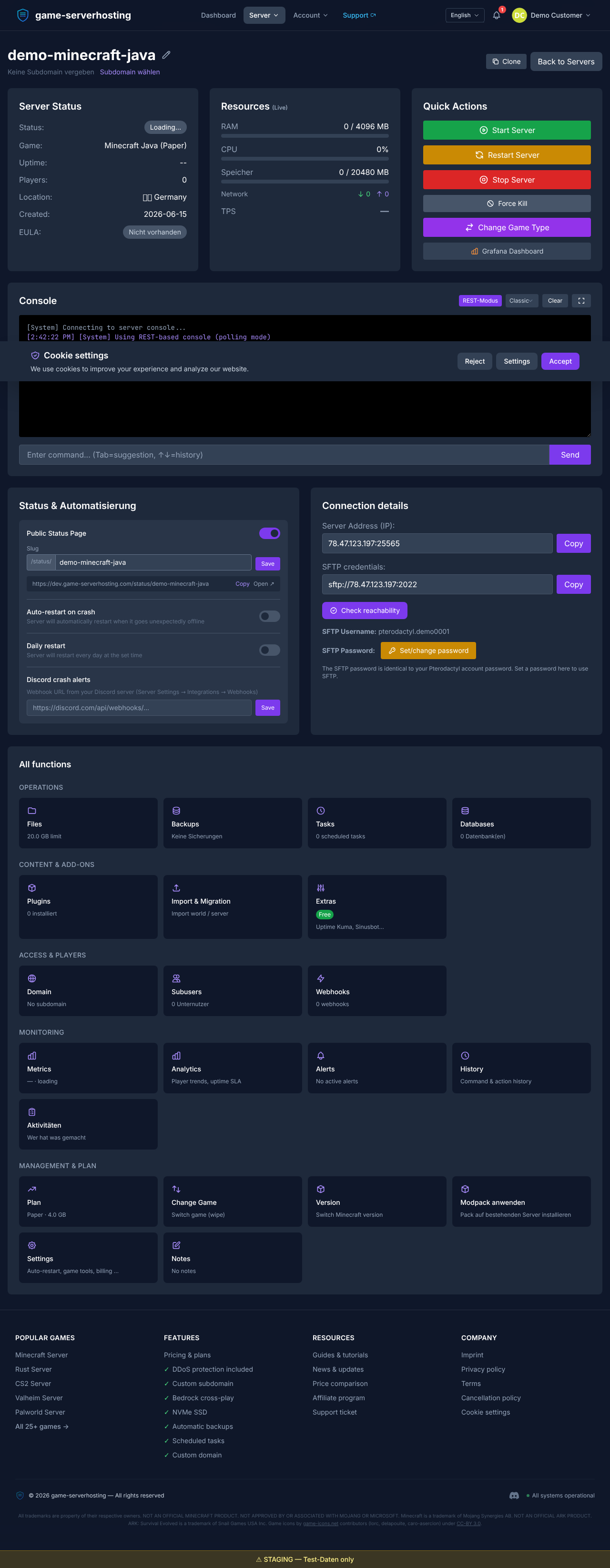
If your server already runs Forge or Fabric, you can add mods one by one. In the panel's mod section you browse Modrinth for compatible mods and see which ones are already installed.
Be strict about the loader variant (Forge ≠ Fabric) and the Minecraft version – a Fabric mod won't start on a Forge server.
Tip: mods often need a library
Many mods depend on a shared library (for example Fabric API or Architectury). Install it first, otherwise the server crashes on startup.
Summary
For mod-based Minecraft, either pick a ready-made modpack at checkout or add individual mods in the panel. Keep loader and version consistent, install required libraries first and make sure your players have the same mod list on their client. The next guide covers the EULA and the first server start.