What are gamerules?
Gamerules are server-side switches that control core properties of a Minecraft world. They determine whether mobs can alter the world, whether players keep their inventory after death, how fast plants grow and much more. Each rule is either a yes/no switch (boolean) or a numeric value (integer).
You can set gamerules in two ways:
- In the panel under Settings → Gamerules – via the built-in editor at game-serverhosting.de.
- Via the server console while the game is running:
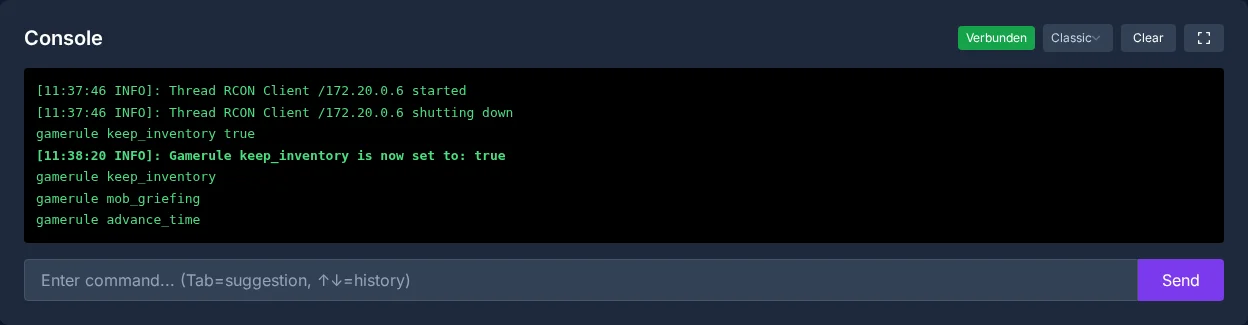
/gamerule <rulename> <value>.
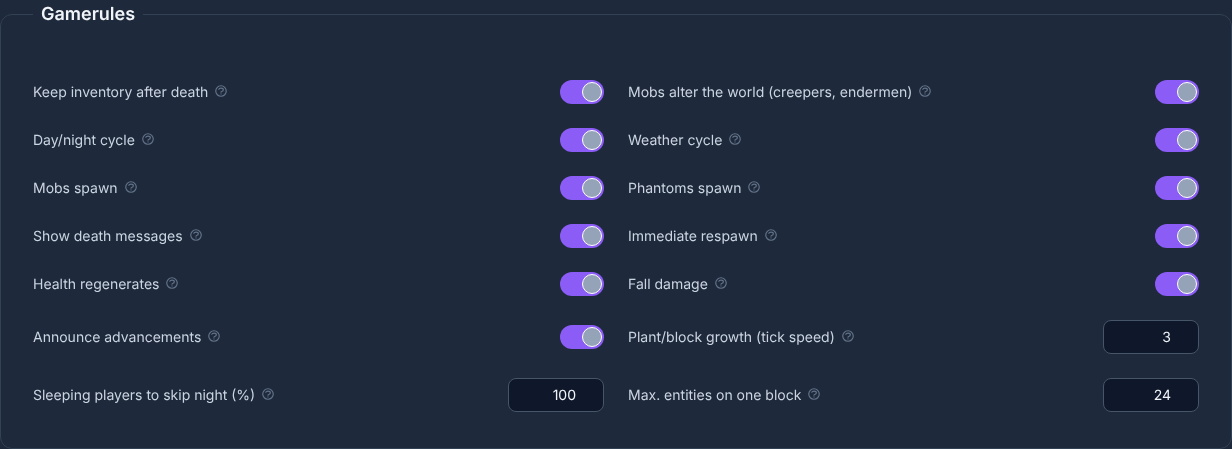
The in-panel editor shows all available rules with their current value and lets you save with a single click – without needing to know the exact command names.
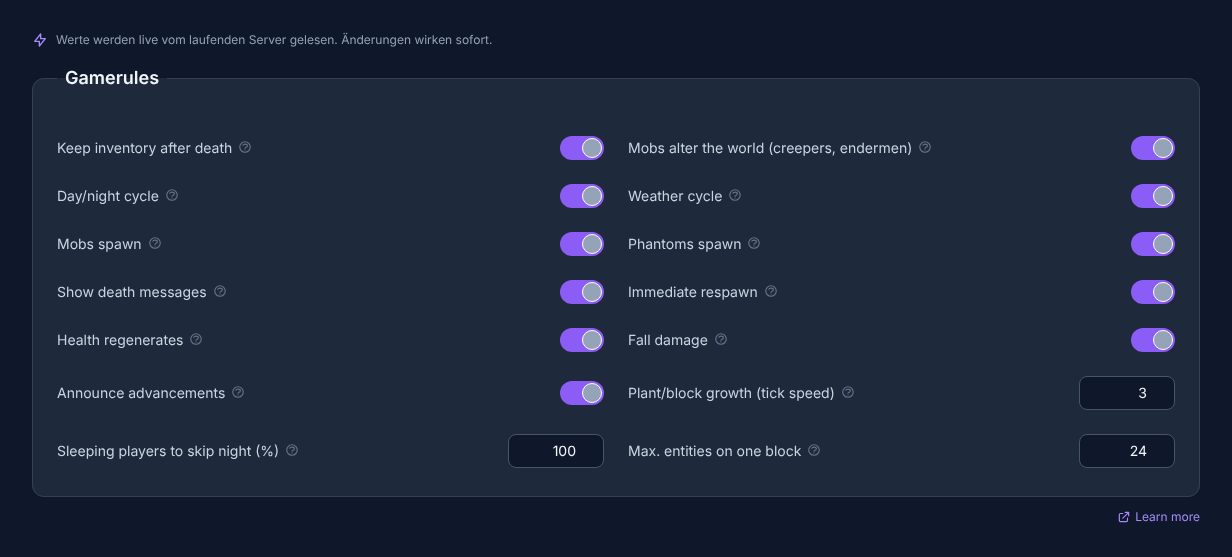
Note: Open your server in the panel and switch to the Gamerules tab inside Settings to view and edit all rules. Don't have a server yet? Order a Minecraft server.
All 15 gamerules at a glance
The table below lists all rules from the editor with their default value and effect.
| Rule | Default | Effect |
|---|---|---|
| Keep inventory after death | Off | Players keep their full inventory and experience after dying. Ideal for creative and family servers. |
| Mobs alter the world (creepers, endermen) | On | Creeper explosions, endermen picking up blocks, zombies breaking doors. Off = the world stays intact. |
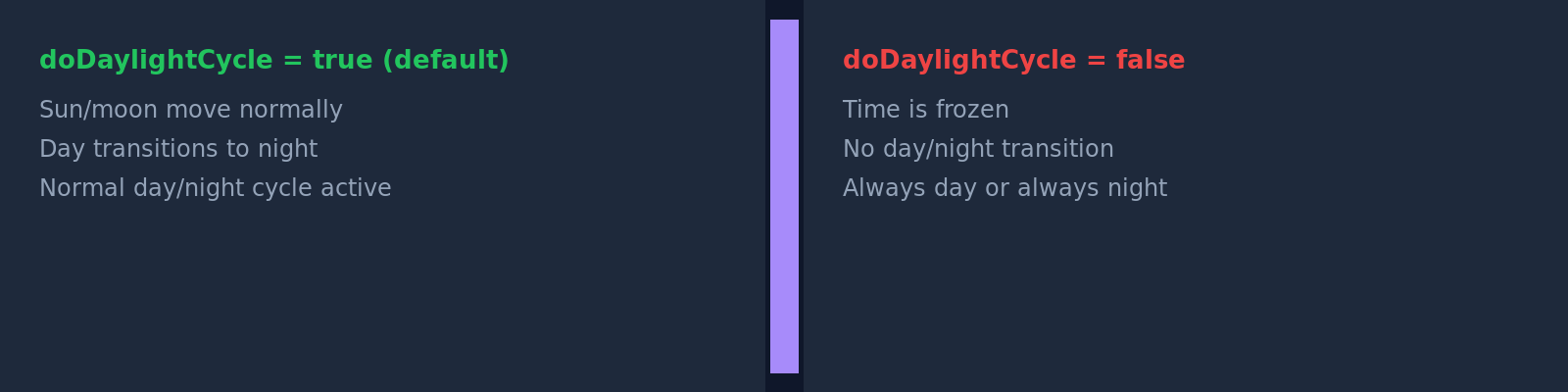
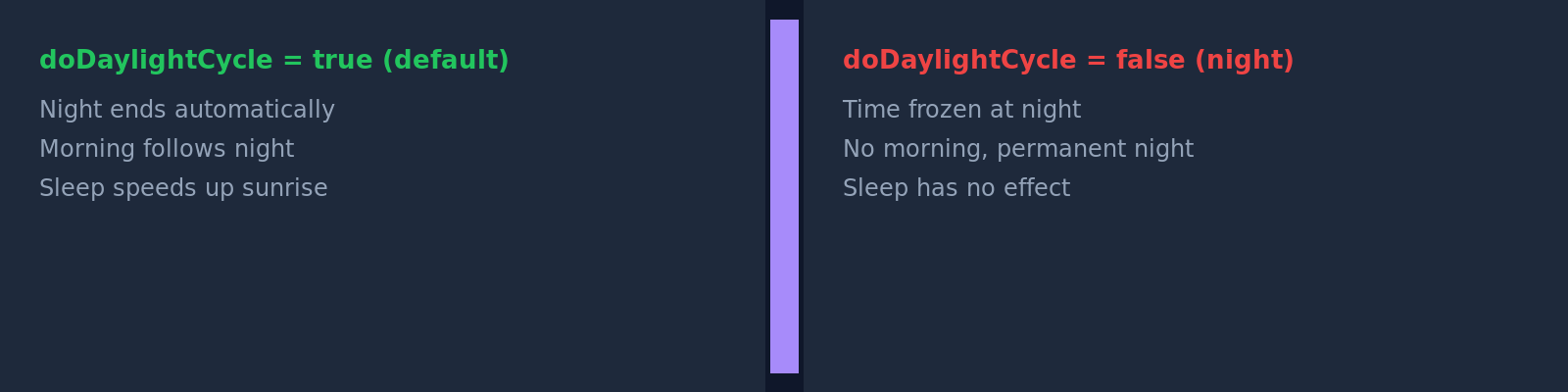
| Day/night cycle | On | Off freezes the time of day – handy to keep the server permanently on day or night. |
| Weather cycle | On | Off freezes the current weather (no more rain or thunder). |
| Fire spreads | On | Off stops fire from spreading. Removed in 1.21.11 (older servers only). |
| Mobs spawn | On | Off = no new mobs spawn (existing ones remain). |
| Phantoms spawn | On | Off disables phantoms entirely, even if players skip nights. |
| Show death messages | On | Off suppresses chat messages about player deaths. |
| Immediate respawn | Off | On respawns players instantly after death, skipping the respawn screen. |
| Health regenerates | On | Off forces healing only via potions, food or effects (no passive regen). |
| Fall damage | On | Off = falls deal no damage. |
| Announce advancements | On | Off keeps earned advancements private (no chat spam). |
| Plant/block growth (tick speed) | 3 (0–4096) | Higher values speed up plant growth and fire behaviour but load the server more. |
| Sleeping players to skip night (%) | 100 (0–100) | Share of players who must sleep to skip the night. 0 = one player is enough. |
| Max. entities on one block | 24 (0–100) | How many animals/mobs may stack before they take damage. Lower values protect server performance. |
Example scenarios
Gamerules are most useful when tuned to the server type. Here are three typical combinations:
Family/creative server (no loss, no griefing)
keepInventory = On      → No inventory loss on death
mobGriefing  = Off     → Creepers and endermen deal no terrain damage
fallDamage   = Off     → No fall damage when building at height
Ideal for children's play sessions or build servers where losses would be frustrating.

Hardcore PvP server (hard consequences)
doImmediateRespawn = On    → Instant respawn without the death screen
showDeathMessages  = On    → Everyone sees who died and how
keepInventory      = Off   → Inventory drops on death (default)
For competitive PvP rounds where dying should have real consequences.
Static showcase/map rounds (frozen world)
doDaylightCycle = Off   → Server stays permanently in daytime (e.g. tick 6000)
doWeatherCycle  = Off   → No rain, no thunder
doMobSpawning   = Off   → No disruptive mobs on the exhibition map
Perfect for adventure maps, museum servers or showcase worlds where the atmosphere must stay constant.
Notes on specific rules
randomTickSpeed: The default value of 3 is optimised for normal gameplay. Values above 100 can noticeably stress server performance – only use high values for temporary actions (e.g. fast composting).
doFireTick: This rule was removed in Minecraft 1.21.11 and only appears on servers running an older version. From 1.21.11 onwards, fire behaviour has a new internal control.
playersSleepingPercentage: Set to 0, a single player is enough to skip the night – handy for solo players on multiplayer servers when the majority is busy.
mobGriefing: When creeper explosions or enderman behaviour alter the world, permanent traces remain – only enable this on servers where players accept the consequences.

Gamerule changes in real time
The panel confirms every change directly in the server console:
You'll find all gamerules directly in your server's panel under Settings → Gamerules. Open the rules page there and click Save to apply changes. Don't have a server yet? Order a Minecraft server now.