The panel wizard instead of a raw INI file
Palworld servers can be configured via a raw PalWorldSettings.ini file – at game-serverhosting.de you never have to touch that file. Instead, there's the PalworldSettingsWizard right in the panel: a clean form with the most important fields.
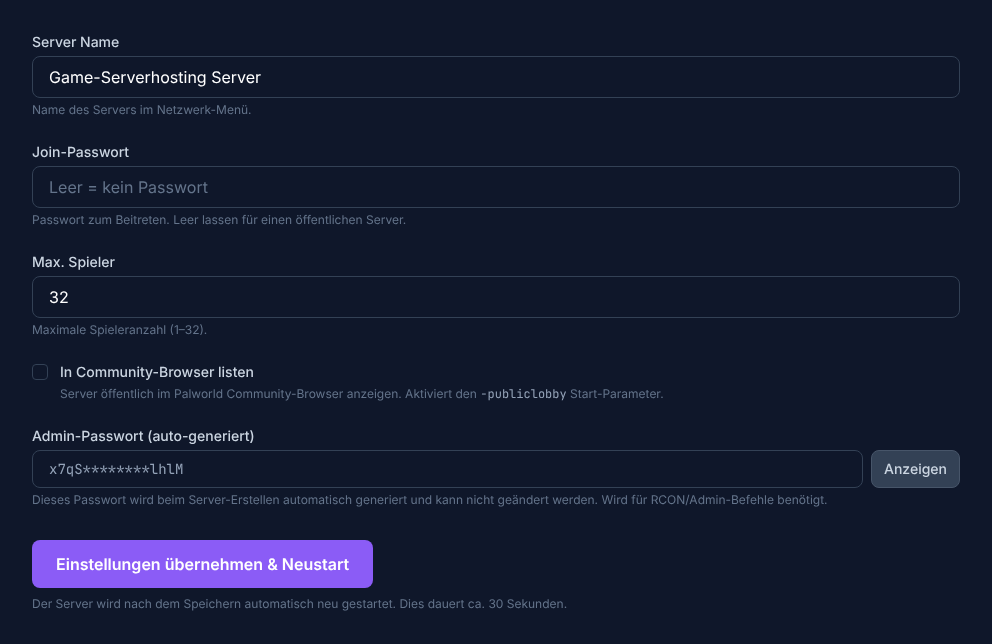
The 5 configurable fields
The wizard exposes exactly five fields:
| Field | Meaning | Editable? |
|---|---|---|
| ServerName | Your server's name (shown in the community browser) | Yes |
| ServerPassword | Empty = open access; set = password required to join | Yes |
| ServerPlayerMaxNum | Max concurrent players (1–32) | Yes |
| COMMUNITY_SERVER | Toggle: list the server in the public Palworld browser | Yes |
| AdminPassword | For admin commands in-game; auto-generated | Read-only |
Setting a server name
The server name appears in the community browser and in your friends' server lists. Choose a distinctive, readable name.
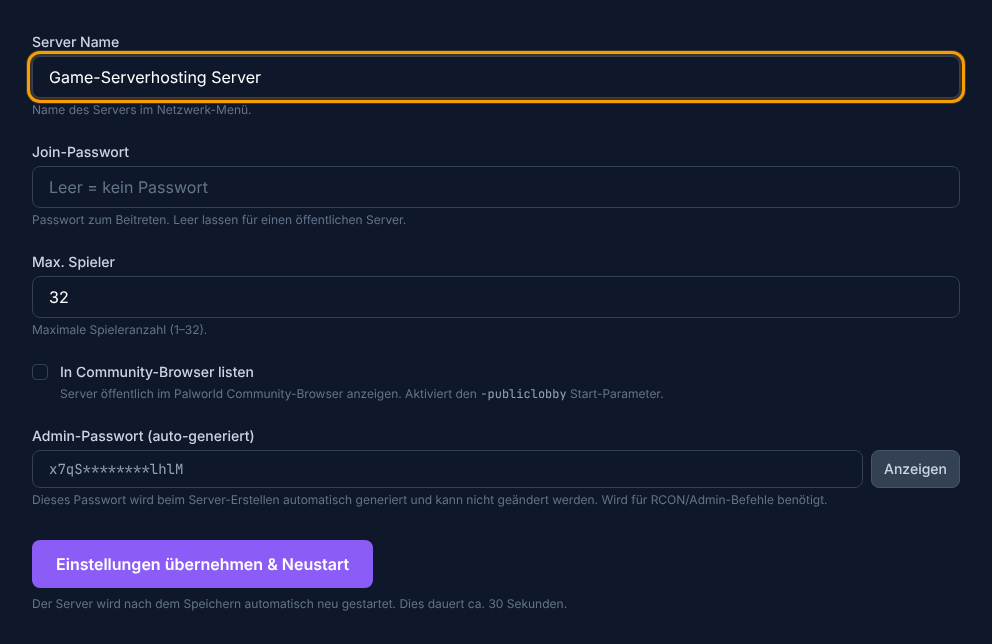
Change the name, click Save – the server restarts automatically (~30 seconds). It will be briefly unreachable during the restart.
Setting the max player count
The ServerPlayerMaxNum field limits how many players can be online simultaneously. The maximum value in the panel is 32. For small groups (2–8 players) 8–12 GB of RAM is already sufficient.
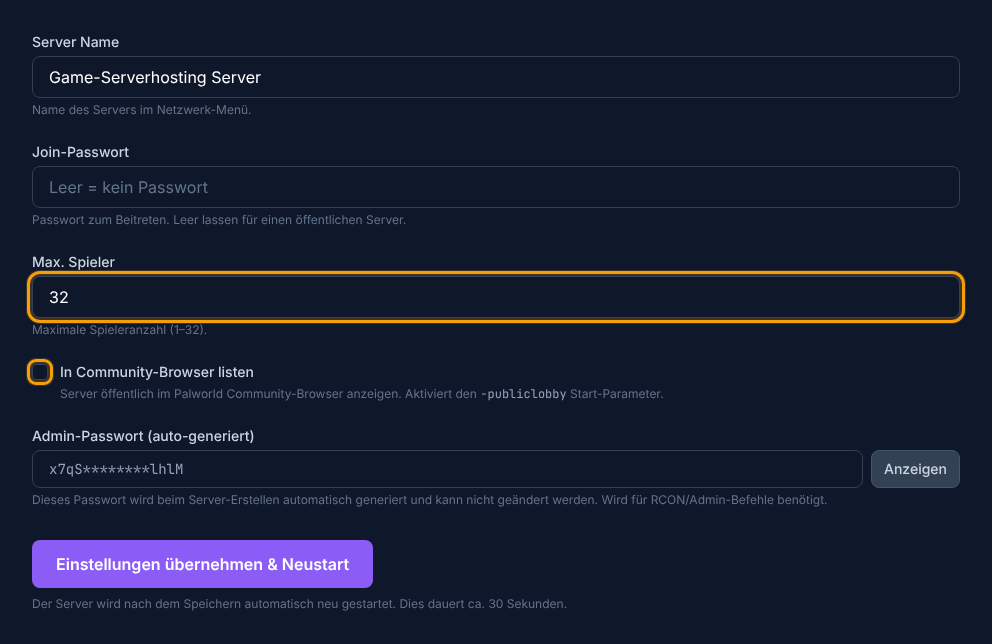
The COMMUNITY_SERVER toggle
Enabling this toggle lists your server in the public Palworld community browser. Anyone can find it there and join (as long as no password is set). Without the toggle the server is only reachable via direct IP+port.
What the panel does NOT configure
The PalWorldSettings.ini contains many additional fields such as ExpRate, PalCaptureRate, Difficulty or DayTimeSpeedRate. These are not accessible through the panel wizard – they can only be changed by editing the INI file directly via the file manager. For getting started the wizard covers all the essential settings.
Summary
With the PalworldSettingsWizard in the panel you configure the five core settings of your server – no INI files, no FTP. Change the server name, password and max players, save and wait for the restart. Next, the multiplayer guide covers how your friends can join and what the community toggle means in practice.