Two ways to run a Bedrock server
When you order a Minecraft Bedrock server at game-serverhosting.de, the configurator lets you choose between two server programs: the official Mojang BDS (recommended) and PocketMine-MP. Both host a Bedrock server, but they pursue different goals. This guide explains the differences so you can pick the variant that fits you.
What is Mojang BDS?
BDS stands for Bedrock Dedicated Server – the official server software from Mojang itself. Its key properties:
- Always current: BDS supports the latest Bedrock protocol from release day. When your Minecraft app updates, you can keep playing immediately – no waiting.
- Vanilla 1:1: The gameplay matches normal Minecraft exactly. Ideal for classic survival.
- Extensible via add-ons: Behavior and resource packs (the official add-ons) work just like in single-player.
- No plugins: BDS has no plugin system like PocketMine. Deep server mechanics (economy, complex minigames) are only possible to a limited degree.
What is PocketMine-MP?
PocketMine-MP is an open-source Bedrock server software written in PHP by an independent community. Its big advantage is extensibility:
- A real plugin system: Thousands of plugins (for example from Poggit) add minigames, permissions, economy, custom mechanics and much more – without you having to write any code.
- Ideal for custom servers: If you want to build a minigame, skyblock or roleplay server, this is the right choice.
The trade-off: PocketMine lags a few days behind the official protocol after every Mojang update. During that short window, players on the brand-new app version may not be able to join until PocketMine catches up. For vanilla survival with guaranteed crossplay that's a drawback – for a plugin server whose community waits anyway, it's usually acceptable.
Comparison at a glance
| Criterion | Mojang BDS (recommended) | PocketMine-MP |
|---|---|---|
| Protocol freshness | current (release day) | a few days' delay |
| Plugins | no | yes (e.g. Poggit) |
| Add-ons / behavior packs | yes, full | limited |
| Vanilla accuracy | 1:1 | slightly different |
| Best for | survival, vanilla, stable crossplay | minigames, custom servers |
Which variant is right for you?
- Choose BDS if you play classic survival with friends, want to keep playing immediately on each new version's release day, and need maximum stability. That's the right choice for most players – which is why BDS is our default variant.
- Choose PocketMine if you want plugins, minigames or your own server mechanics and can live with a short update lag after Mojang releases.
Both bookable at game-serverhosting.de
You don't have to commit in advance: simply pick Minecraft Bedrock as your game in the order wizard. The variant selection appears right after – BDS is preselected as recommended, with PocketMine available as an alternative alongside a note about the update lag. The price is identical for both variants.
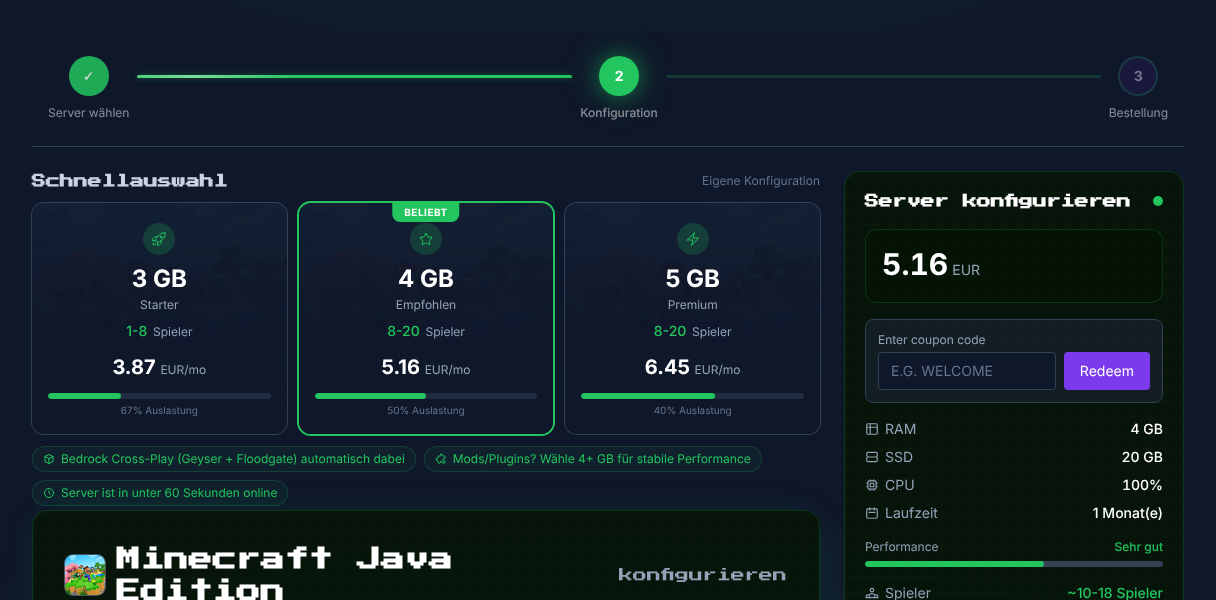
Order here: Rent a Minecraft Bedrock server.
Migrating between BDS and PocketMine
Picked one variant and want to switch later? That works – but there's an important distinction between world data and extensions:
- Your world comes along: Both servers use the same Bedrock world format (LevelDB). So you can transfer your world folder from BDS to PocketMine (or the other way round). The guide Upload & switch a Minecraft world shows how to upload and switch a world.
- Extensions do NOT carry over: PocketMine plugins (
.phar) don't run on BDS, and BDS add-ons are not PocketMine plugins. Permissions and configurations are also structured differently per software and must be set up again on the target server.
Recommended steps: back up your world → order a new server in the target variant → upload the world → set up add-ons or plugins again. If you need help with this, our support team is happy to assist.
Summary
BDS is the default variant: always current, vanilla-accurate, extensible via add-ons – the best choice for survival and stable crossplay. PocketMine is the choice for plugin and minigame servers, with a short update lag as the compromise. You can book both at game-serverhosting.de, and your world data can be transferred between them. Want to bring Java and Bedrock players onto one server? That's a different topic – see Set up Bedrock crossplay.