Switch loaders without reinstalling
Want to move from Vanilla to Paper, try out plugins, or set up a Forge modpack? At game-serverhosting.de you switch version and loader directly in the panel – without a reinstall and without losing your world.
Step 1: Open the version switcher
Open your server and select the server version section. The dropdown lists every available loader: Vanilla, Paper, Purpur, Forge and Fabric. The currently active loader is highlighted.

Which loader for what?
| Loader | Best for |
|---|---|
| Vanilla | Pure Minecraft with no extensions |
| Paper / Purpur | Plugins (Spigot/Bukkit API), better performance |
| Forge | Mods (large modpacks) |
| Fabric | Lightweight mods, fast updates |
Step 2: Confirm the switch
After your selection a confirmation dialog appears. It reminds you that your world and data are preserved – only the server core (the egg) is swapped, not your world folder.
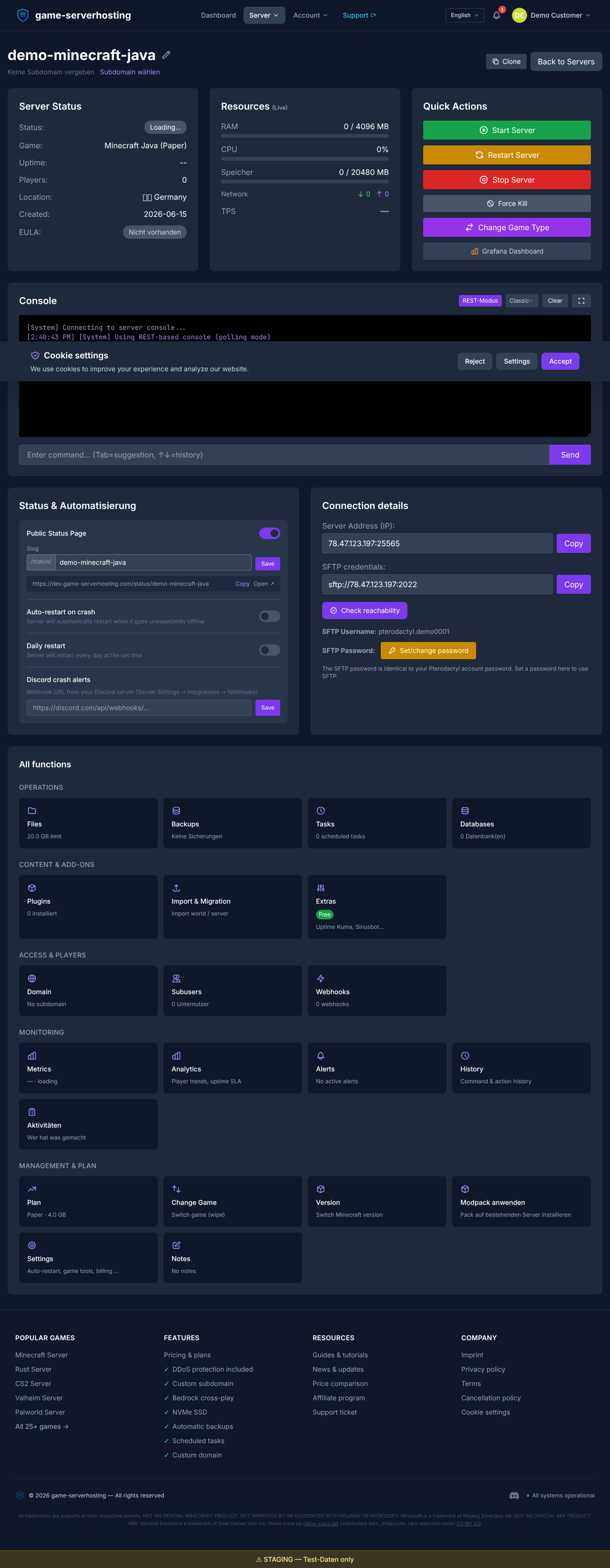
Confirm the switch to start the process.
Step 3: Wait for the progress
After confirmation the switch runs automatically: the new loader is downloaded and installed. During this phase the panel shows you a status and progress notice. As soon as the process finishes, your server boots with the new loader – your world is unchanged.
Tip: back up first
Even though the egg switch never touches your world, create a backup before major changes (for example moving from plugins to a Forge modpack). That way you're on the safe side if plugins and mods turn out to be incompatible.
Summary
The version switcher turns moving between Vanilla, Paper, Purpur, Forge and Fabric into a job of a few clicks – no reinstall, no data loss. Pick the loader, confirm your world is preserved and wait for the progress. If you switched to Paper, the next step worth reading is the guide on installing plugins.