Why server.properties matters
The server.properties file is the heart of your Minecraft server. It controls the game mode, difficulty, PVP, the player limit and dozens of other settings. At game-serverhosting.de you don't have to download a file via FTP – you edit everything directly in the in-panel config editor.
The config editor at a glance
Open your server and switch to the Configuration tab. The config editor presents the most important fields as a tidy form – no need to touch the raw .properties file.
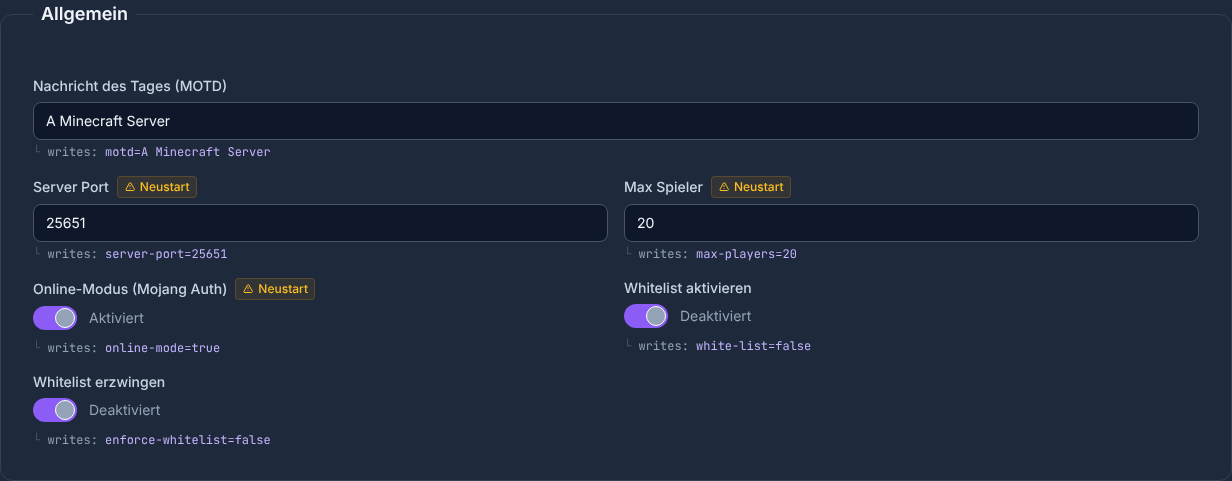
Each field maps to exactly one entry in server.properties. Changes are written straight into the file when you save.
Gamemode, difficulty and PVP
The three most-used settings sit right at the top:
- gamemode –
survival,creative,adventureorspectator - difficulty –
peaceful,easy,normalorhard - pvp –
trueallows player-vs-player combat,falsedisables it
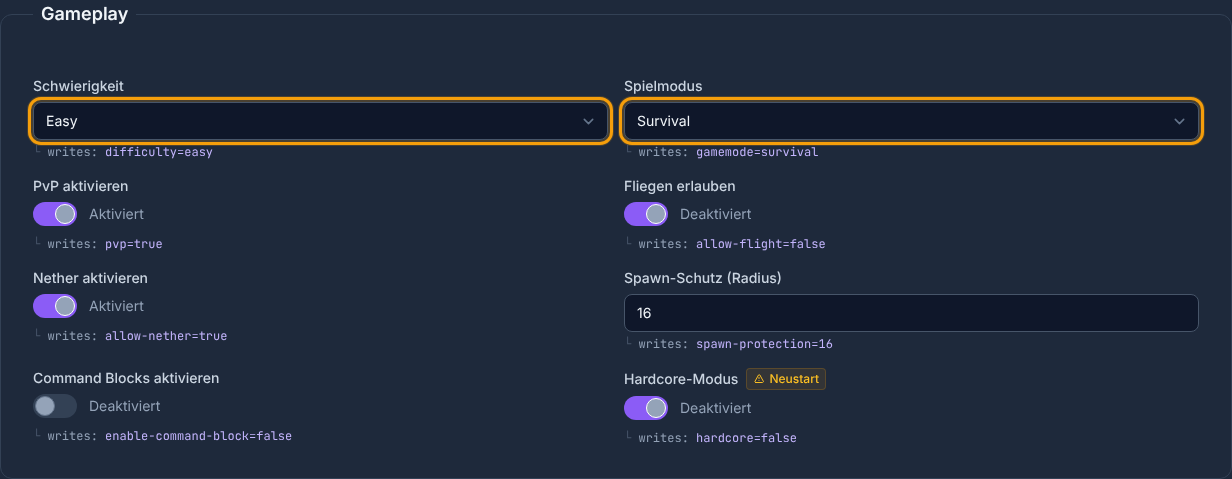
Recommendation for beginners
| Server type | gamemode | difficulty | pvp |
|---|---|---|---|
| Friends survival | survival | normal | true |
| Creative build server | creative | peaceful | false |
| Hardcore round | survival | hard | true |
level-name: which world loads
The level-name field defines which world folder is loaded (default: world). If you want to load a different world – for example an uploaded map – enter its folder name here.
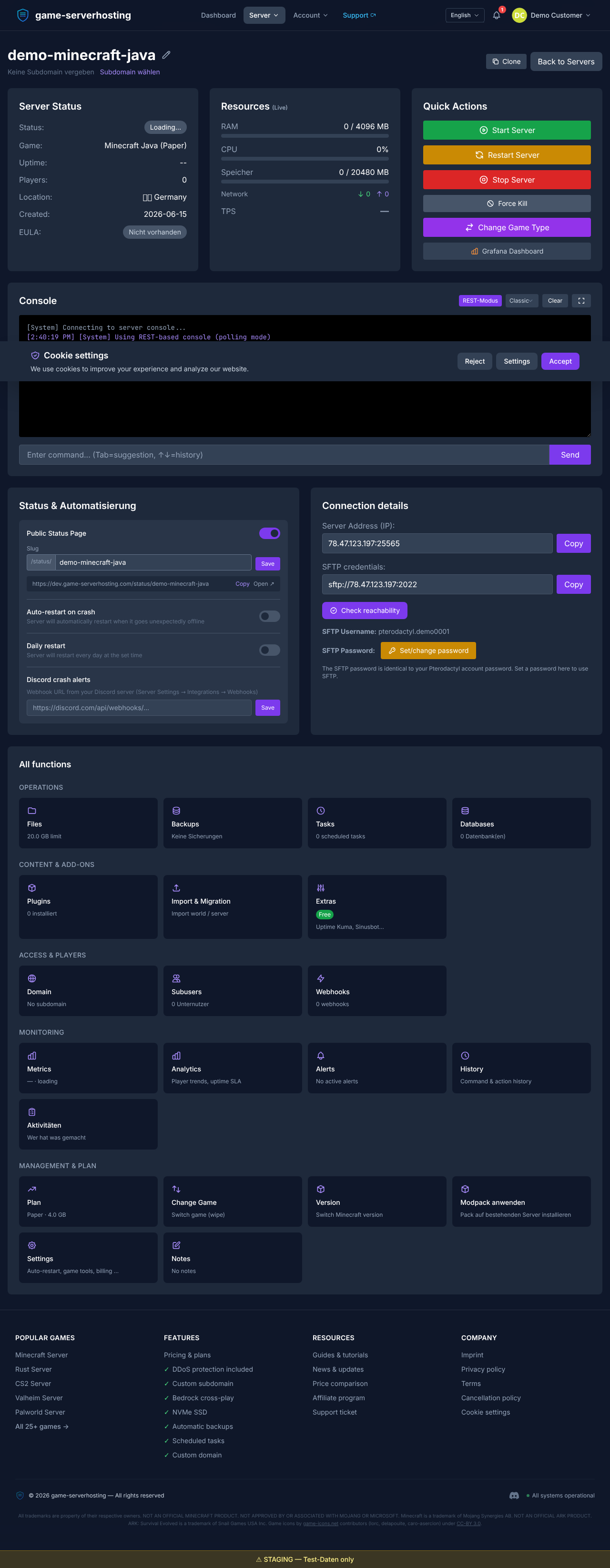
Make sure the folder is named exactly like the value you enter, otherwise Minecraft will generate a blank new world on start.
Save and restart
Once you've made your changes, click Save. Many settings (for example gamemode or level-name) only take effect after a server restart. After saving you'll see a confirmation notice; then restart the server with the power button so all values become active.
Summary
With the config editor you set up your server.properties comfortably – no FTP, no typos in the raw file. Start with gamemode, difficulty and pvp, then check level-name and restart the server. Next, it's worth looking at switching the server version (Vanilla, Paper, Purpur, Forge, Fabric) without a reinstall.