What is the Minecraft EULA?
Mojang's EULA (End User License Agreement) must be confirmed by every Minecraft server before it starts. Technically this happens via an eula=true entry in the eula.txt file. On many hosts you have to edit this file yourself – at game-serverhosting.de it happens automatically.
Step 1: Order the server and wait for "ready"
Right after ordering, your server is provisioned. In the dashboard you see your server's tile change from "installing" to ready once everything is set up.
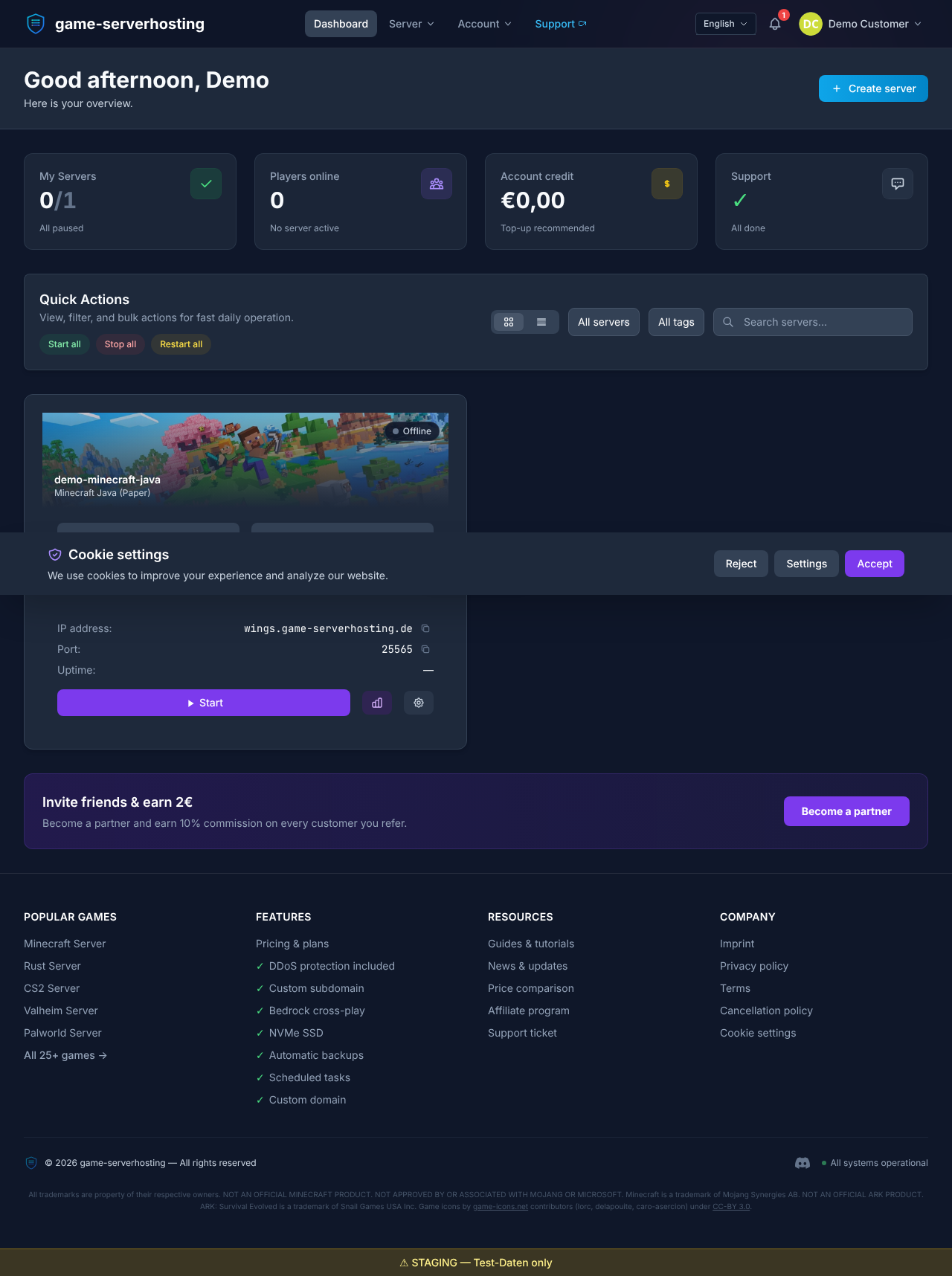
This usually takes only a few minutes – Java, Geyser and Floodgate are set up along the way.
Step 2: The EULA is accepted automatically
On the first start our setup process sets eula=true automatically. You don't need to open any file via FTP. In the server settings you can see that automatic EULA acceptance is active.
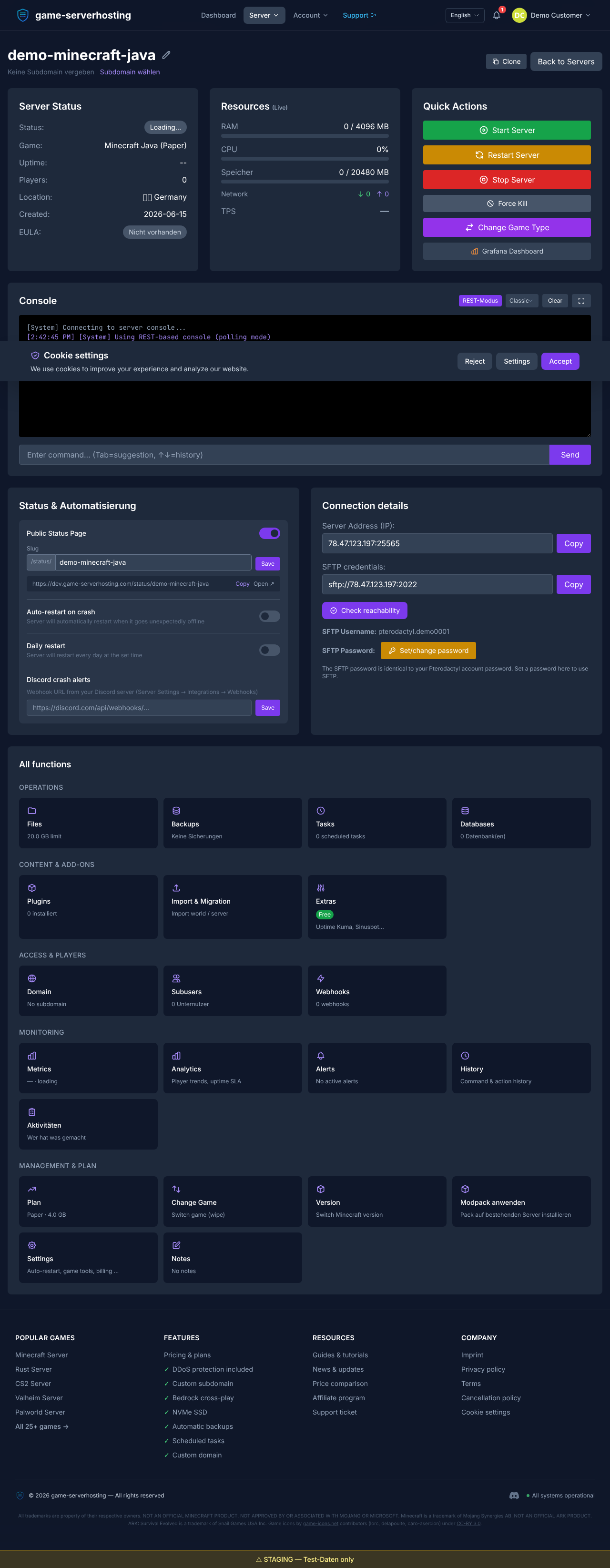
This solves the most common first-start pitfall up front – a server that immediately stops again because the EULA wasn't accepted.
Step 3: Check the server overview
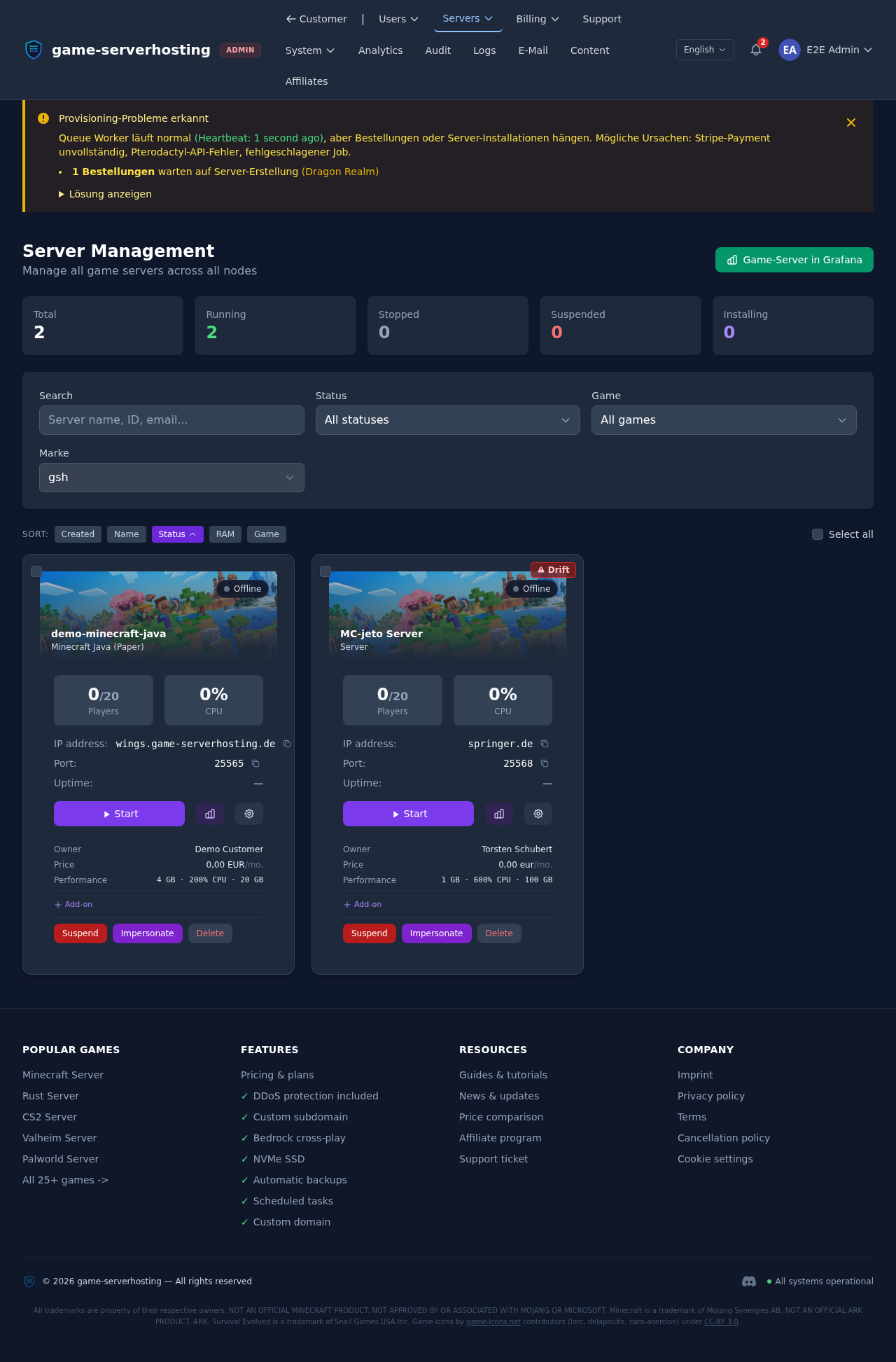
In the server overview you see status, address and resources at a glance. Once the server is running, you can connect using the address shown.
Summary
The Minecraft EULA is accepted automatically at game-serverhosting.de – you just wait for the server tile to turn "ready" and you're good to go. Status and address are in the overview. The final guide in this series covers uploading or switching your own world.