A dedicated Left 4 Dead 2 server turns Valve's co-op classic from a four-player lobby into a permanent playground: online 24/7, fully configurable, with custom campaigns, more than four slots and SourceMod plugins. This guide shows you how much RAM you need, how to set up server.cfg correctly, how to add Workshop maps and mutations, and how your friends can join in seconds – whether you play classic campaigns or run Versus matches.
Why run your own Left 4 Dead 2 server?
Official matchmaking only ever gives you a single session capped at four human survivors. A dedicated server flips that around:
- Always online: Friends can join any time, even when you are offline – no host-migration lag, no aborted rounds.
- More slots: The L4DToolZ plugin allows 8, 16 or more survivors in a campaign.
- Full control: Custom mapcycle, custom difficulty, add-ons and admin rights.
- Custom content: Steam Workshop campaigns, skins and mutations without lobby restrictions.
How much RAM and how many players?
Left 4 Dead 2 is lightweight – the bottleneck is single-core CPU performance rather than memory. For a start, 2 GB is plenty:
| Players | RAM | Use case |
|---|---|---|
| 4 (standard co-op) | 2 GB | Vanilla campaigns, Versus 4v4 |
| 8 | 3 GB | Extended slots via L4DToolZ, custom campaigns |
| 12–16 | 4 GB | Large co-op rounds, many add-ons |
| 16+ | 6 GB | Heavy-modded, custom gamemodes |
Plan for around 1 GB of headroom when running many Workshop add-ons – large custom campaigns load many assets into memory at once.
Game modes in detail
| Mode | Description | Recommended slots |
|---|---|---|
| Co-op (Campaign) | 4 survivors against AI infected through a full campaign | 4–8 |
| Versus | 4v4, both teams alternate between survivors and special infected | 8 |
| Survival | Hold a single map as long as possible against endless hordes | 4 |
| Scavenge | Survivors collect fuel cans, infected try to stop them | 8 |
| Realism | Co-op without survivor silhouettes, tougher infected | 4 |
| Mutations | Weekly rotating special rules (e.g. melee only) | 4–8 |
Set the mode in server.cfg via mp_gamemode (e.g. coop, versus, survival, scavenge, realism).
Ordering a server
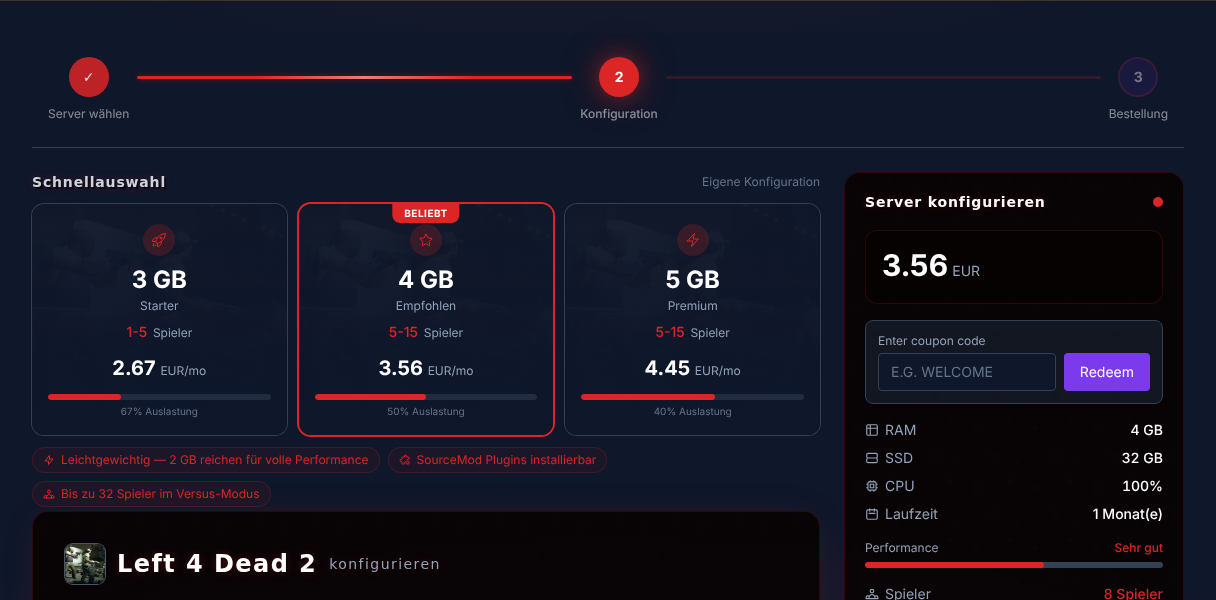
- Go to rent a Left 4 Dead 2 server
- Pick 2 GB RAM for classic co-op (more only for extended slots/mods)
- The server installs automatically via SteamCMD and is online in 1–3 minutes
Left 4 Dead 2 is not free-to-play – every player needs the game on Steam. The server itself runs independently, with nobody having to host the game.
Configuring server.cfg correctly
The central configuration lives in left4dead2/cfg/server.cfg. A proven baseline:
hostname "My L4D2 Server"
sv_password ""
mp_gamemode coop
sv_maxplayers 8
sv_region 3
sv_steamgroup_exclusive 0
sv_consistency 1
sv_pure 0
sv_allow_lobby_connect_only 0
The key values:
sv_maxplayers– maximum survivor slots. Values above 4 require the L4DToolZ plugin (see below), otherwise the game ignores them.sv_region– server browser region (3 = Europe).sv_allow_lobby_connect_only 0– allows direct connections via console (connect IP:port), not just through the Steam lobby. Mandatory for public servers.sv_pure 0– allows client-side skins/mods. Set to1to force everyone to use identical files.
More than 4 players: extending slots
Vanilla L4D2 hard-caps co-op at 4 survivors. For more you need L4DToolZ (a MetaMod extension):
- Install MetaMod:Source and SourceMod (see next section)
- Place the L4DToolZ binary in
left4dead2/addons/ - Set
sv_maxplayersinserver.cfgto the desired value (e.g. 8) - Restart the server
Note: more than 4 survivors significantly changes balance – the AI director spawns are tuned for 4. For 8 players a companion plugin that raises special-infected limits is worth it.
Custom maps & Workshop campaigns
L4D2 has a huge custom-campaign scene (over 200,000 Workshop items):
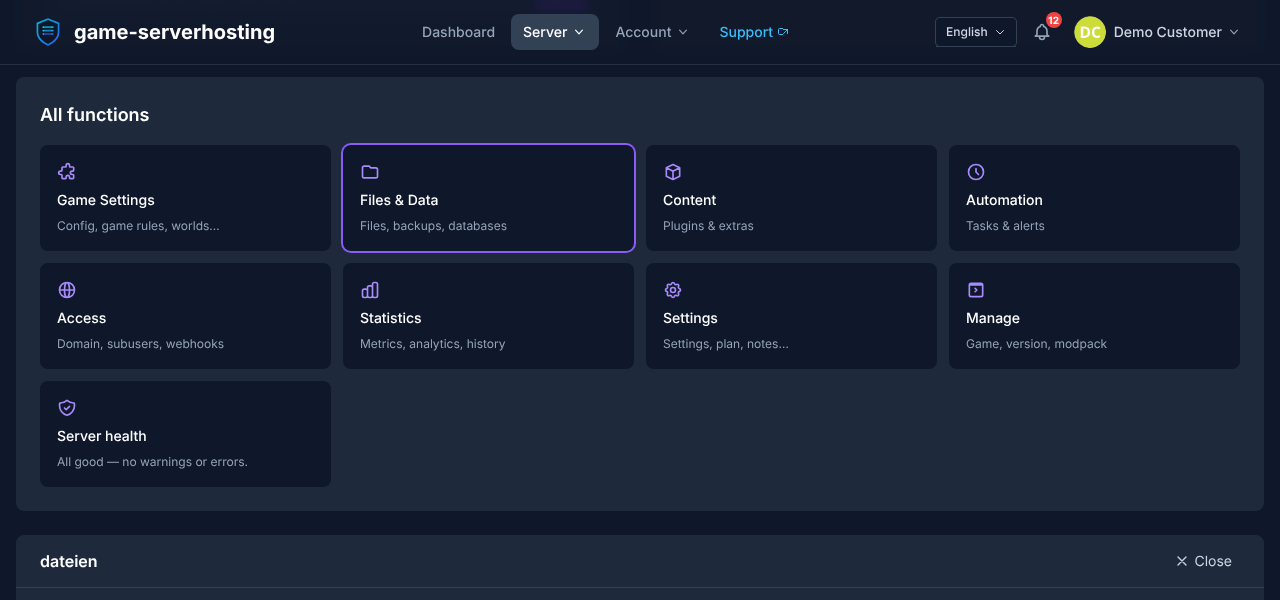
- Download maps from the Steam Workshop or GameMaps.com (
.vpkfiles) - Upload them via the file manager into
left4dead2/addons/ - Add the map name to
mapcycle.txtand the addon config if needed - Restart the server – the map appears in the rotation
Popular custom campaigns such as Dead Before Dawn, Death Aboard or Yama run without issues. Make sure all players have the same add-ons enabled, otherwise you get consistency errors.
SourceMod & MetaMod: admin & plugins
For admin commands, statistics and gameplay mods you need MetaMod:Source + SourceMod:
- Download both packages for L4D2 and extract them into
left4dead2/addons/ - Add your SteamID as admin in
addons/sourcemod/configs/admins_simple.ini - Restart the server – in-game you open the admin menu with
sm_admin
Recommended plugins:
- L4DToolZ – more than 4 survivor slots
- Admin System – kick/ban/slay, in-game map changes
- L4D2 Stats / Rankings – player statistics and leaderboards
- Mutant Zombies / Custom Director – adjusts horde intensity and spawns
How do your friends connect?
You get your own subdomain like my-server.game-serverhosting.de. Friends connect in two ways:
- Via the console: Open the developer console and enter
connect my-server.game-serverhosting.de:27015. - Via the community lobby: Join your running game through the Steam friends list when
sv_allow_lobby_connect_only 0is set.
Troubleshooting
- More than 4 slots are ignored: L4DToolZ is missing or not loaded. Check with
meta listwhether the extension is active. - Friends cannot join directly:
sv_allow_lobby_connect_onlymust be0, otherwise only the lobby route works. - Consistency error when joining: Players have different add-ons active. Set
sv_consistency 0for loose checking or sync the add-ons. - Server does not appear in the browser: Set
sv_regioncorrectly and ensure the server is not in lobby-only mode. - Custom map does not start: The
.vpkis not inaddons/or the map name inmapcycle.txtis misspelled.
FAQ
Is Left 4 Dead 2 free?
No. Unlike some free-to-play survival games, every player needs the game on Steam. The rented server itself is independent and runs permanently.
Can I install SourceMod?
Yes, MetaMod:Source and SourceMod are fully supported, giving you admin tools, custom mutations and plugin support.
How many players fit on the server?
The default is 4 survivors in co-op and 8 in Versus. With the L4DToolZ plugin many more are possible (8–16+), depending on RAM and the balance you want.
Do Workshop campaigns work?
Yes, all official campaigns as well as custom Workshop maps run. Upload the .vpk to addons/ and add the map to the mapcycle.
Conclusion
A rented Left 4 Dead 2 server gives you everything the official lobby cannot: permanent availability, more slots, custom campaigns and full admin control. Start classic co-op with 2 GB RAM, then build large modded rounds with SourceMod and L4DToolZ. Rent a Left 4 Dead 2 server →